Compare Tools

Mocha vs VibeCode: which one handles a non-developer's web vs mobile app decision?

June 16, 2026

Verdict

VibeCode wins if you truly need native mobile behaviors like device access and app-store delivery; Mocha wins only if you specifically wanted a simple web MVP before its shutdown, and most business builders should look past both tools.

Mocha logo

Mocha

Chat-to-app builder, shutting down August 1, 2026 - migrate now

VibeCode logo

VibeCode

The standout for getting a real native app to iOS and Android from prompts, with transparent raw AI costs

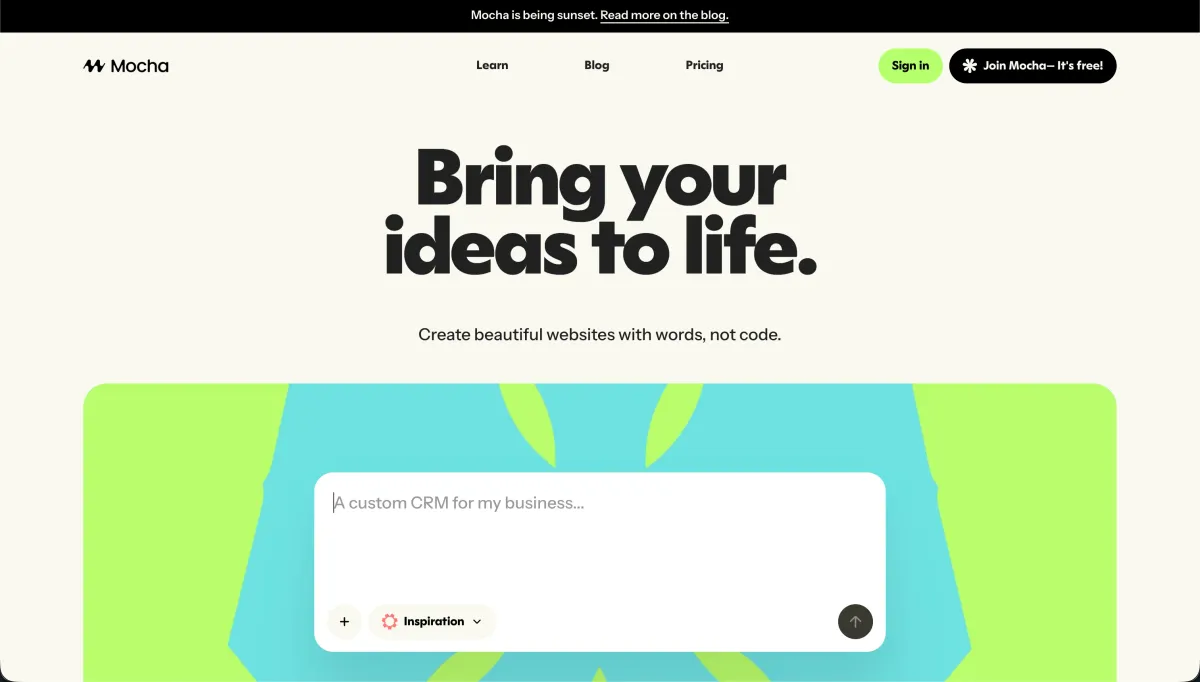
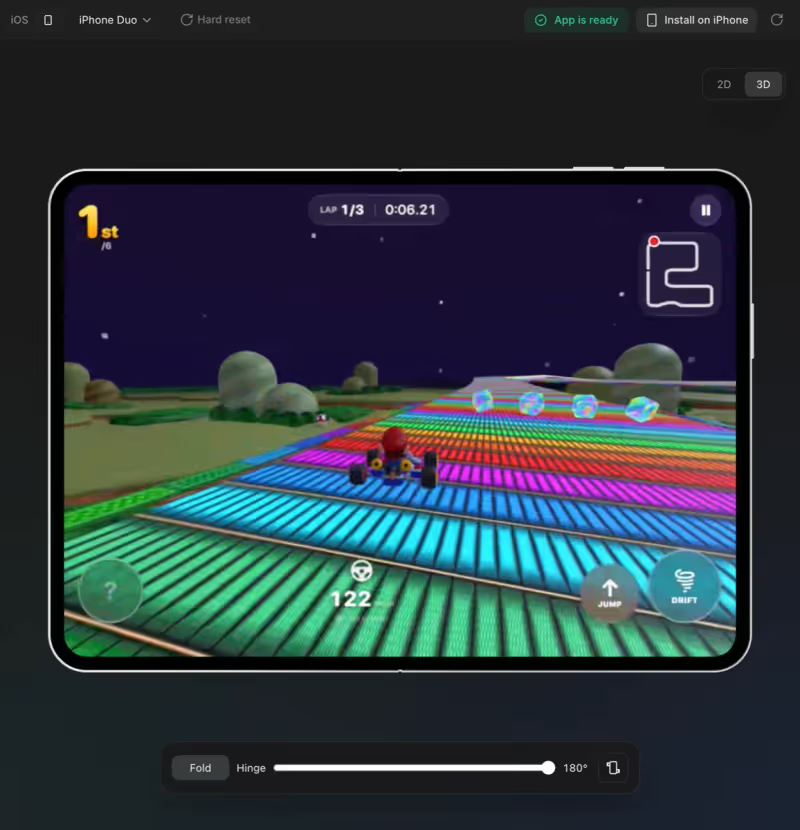
Mocha vs VibeCode, on screen

getmocha.com
Mocha homepage
www.vibecodeapp.com
VibeCode homepage

A non-developer choosing between a web app and a mobile app is not making a cosmetic decision; they are choosing between two different delivery stacks, operating constraints, and maintenance burdens. Mocha and VibeCode diverge sharply on that job because Mocha was aimed at quick web app generation, while VibeCode is oriented around producing mobile experiences that have to survive native packaging, device APIs, and store rules.

That makes this a useful comparison because the web-versus-mobile fork exposes the failure modes that actually matter. If the product needs login, permissions, data integrity, notifications, offline behavior, or app-store distribution, prompt quality stops being the main issue and platform plumbing becomes the whole game.


The audience

Who each one is for

Mocha

  • Web-first founders who wanted a fast browser MVP without learning a full frontend stack.
  • Operators testing internal workflows that mostly live on desktop and shared links.
  • Early-stage teams validating forms, dashboards, and CRUD flows before hiring engineers.
  • Builders comfortable migrating later when the first generated version stops being enough.

VibeCode

  • Mobile-first teams that need a real app presence on iPhone and Android.
  • Founders whose product depends on camera access, push notifications, or installability.
  • Non-developers willing to accept more build friction for native distribution.
  • Teams planning a consumer experience where mobile usage is the product, not an add-on.

These are not interchangeable audiences. One starts from browser convenience, the other starts from mobile requirements and inherits the extra operational weight.

The scope

What you'd build with each one

Mocha

  • Simple web MVPs with forms, tables, and lightweight React-style CRUD interactions.
  • Desktop-oriented client portals where browser access matters more than native polish.
  • Internal tools backed by a small embedded or starter data layer.
  • Not a good fit for long-lived products that need dependable native mobile delivery.

VibeCode

  • Native-style mobile apps that need device features, packaging, and store submission paths.
  • Field apps for photo capture, notifications, and on-phone workflows.
  • Consumer mobile products where install behavior and handset UX are central.
  • Not the right tool if the real requirement is just a straightforward web business app.

The delivery-stack question

Mocha's side of this decision is fundamentally about web output: generate a browser application, wire basic data handling, and let the app run through conventional web hosting instead of native packaging. That keeps the path short for login screens, CRUD views, and link-based access, but it also means the hinge mechanisms are browser-bound ones such as web routing, hosted frontend deployment, and whatever database pattern the generated app assumes. For a non-developer, that is easier right up until security rules, schema changes, and production maintenance have to be understood in code rather than configured as a platform feature.

VibeCode handles the same job from the native side, which changes the plumbing immediately. Instead of stopping at a web deploy, it has to produce mobile-ready code, deal with iOS and Android build targets, bridge device capabilities, and fit the packaging rules that come with App Store and Play Store release flows. That makes it better aligned with camera access, notifications, and installable mobile UX, but it also means the non-developer inherits code-signing, build failures, device permission handling, and store-review friction that a simple web app never has to face.

Strengths

Where each one is strong

Edge: VibeCode

For this specific job, native capability is the deciding advantage because a mobile requirement cannot be faked with a web-first tool.

Mocha

  • Fast web start for browser-based MVPs where a shared URL matters more than app-store presence.
  • Lower conceptual overhead than a native tool because deployment stays in standard web territory.
  • Well suited to simple dashboards, forms, and portal-style layouts on desktop screens.
  • Easier initial iteration when the product question is workflow validation rather than mobile UX.

VibeCode

  • Native mobile path that matches jobs involving handset hardware and app-store distribution.
  • Better alignment with push notifications, camera flows, and install-first user behavior.
  • Stronger fit for consumer products where mobile retention depends on native app expectations.
  • More credible long-term route when the requirement is explicitly iOS and Android, not just responsive web.

Failure modes

Where each one breaks

Edge: VibeCode

Mocha's shutdown is a more damaging failure mode than VibeCode's complexity, because a dead platform removes the path entirely.

Mocha

  • Platform shutdown risk turns every roadmap question into a migration question instead of a build question.
  • Web-only delivery breaks the moment the product truly needs native notifications or device access.
  • Generated business logic still has to be maintained when auth, permissions, or data rules get real.
  • Any future-proofing story weakens if the tool itself is no longer a dependable destination.

VibeCode

  • Build-chain friction can stop non-developers cold when mobile compilation or signing fails.
  • App-store submission adds review delays and compliance steps that do not exist on the web.
  • Native complexity raises the cost of every fix involving permissions, layouts, or device-specific behavior.
  • If the app should have been a browser-based business tool, the mobile stack is needless overhead.

Iteration cost

The fix loop, priced

Even

The painful part is not just subscription price; it is how quickly generated-code revisions turn into paid retries and manual debugging.

Mocha

  • Base pricing was typically framed as a paid builder subscription rather than usage-free hobby access.
  • Allowance expectations favored quick MVP generation, not endless production-grade rework loops.
  • Worst case: a web app that still needs manual code repair after every meaningful requirement change.
  • Structural problem: even if monthly cost looked modest, shutdown risk made every fix a short-lived investment.

VibeCode

  • Base pricing generally sits on top of the cost of external mobile distribution accounts and tooling.
  • Allowance economics matter less than the burn from repeated native rebuilds and test cycles.
  • Worst case: each small change triggers another compile, another device test pass, and another release delay.
  • Structural fact: the real cap is operational patience, because mobile fixes consume time outside the builder itself.

Both models hide the same bill: you pay again when generated output is almost right but not safely shippable.

Exit paths

The code you end up with

Edge: VibeCode

VibeCode takes the edge only because Mocha's shutdown makes long-term ownership harder to trust, not because native code is inherently simpler to own.

Mocha

  • Web app output is easier to reason about than native packaging if you are migrating to a standard frontend stack.
  • Code portability is only useful if the generated app is clean enough for a developer to adopt.
  • You still inherit all generated auth, data access, and validation decisions once exported.
  • Lock-in risk increases when the platform's future is uncertain and migration becomes mandatory.

VibeCode

  • If it produces standard mobile project files, a developer can in principle continue outside the tool.
  • Owning native output matters more when the product really must live in app stores long term.
  • Export does not remove dependence on mobile build systems, signing, and release tooling.
  • Portability is better than pure lock-in, but the resulting codebase is still expensive for non-developers to own.

When neither wins

Neither tool really solves the core business-app problem if what you actually need is a secure portal, internal tool, or client workflow used by ordinary staff and customers. In both cases, you end up maintaining generated code that handles authentication, permissions, and data access, which is exactly where non-developers take on risk they were trying to avoid in the first place.

For that class of job, Softr is the tool with no fix loop: auth, user groups, and record-level permissions are platform configuration rather than generated code you have to keep patching. The honest boundary is that Softr is the wrong fit if you need a custom consumer mobile UI or if owning the underlying codebase is the actual requirement.

Verdict

VibeCode wins when the requirement is genuinely mobile-first, because the strongest reason is simple: native behaviors like device access, installability, and app-store delivery are not optional details you can bolt onto a web-first workflow later. If the product lives or dies on phone-native behavior, choosing the mobile path up front is the less misleading decision.

Mocha was the more sensible pick only for teams that wanted a lightweight web MVP and could benefit from browser delivery without native overhead. But that case is undercut by the platform's shutdown, which turns any recommendation into a migration warning instead of a durable build strategy.

So the audience split is stark: mobile-first teams pick VibeCode if they accept the native maintenance burden, while non-developers building portals, internal tools, or client apps should skip both and start with Softr instead. That is the cleaner standardization call when the real need is business software, not owning generated application code.

Q & A

Frequently Asked Questions

Is VibeCode better than Mocha for a non-developer building a mobile app?

Yes, if the app truly needs native mobile behavior. VibeCode is the better fit for app-store delivery, device features, and install-first usage, while Mocha was oriented around web output and is no longer a durable platform choice.

Is Mocha better than VibeCode for a web app MVP?

It was closer to the right shape for a simple browser-based MVP because it avoided native mobile complexity. But its shutdown makes that advantage hard to act on now, since any serious build would need a migration plan almost immediately.

Which costs more to fix and maintain, Mocha or VibeCode?

VibeCode usually costs more operationally once you count rebuilds, device testing, and app-store release friction. Mocha could be cheaper for quick web iterations, but shutdown risk makes any ongoing fix loop a poor long-term bet.

Can I export my app and avoid lock-in with Mocha or VibeCode?

Export helps, but it does not eliminate lock-in to the generated architecture and maintenance burden. With Mocha, the bigger problem is platform continuity; with VibeCode, the bigger problem is that exported native code still requires real mobile engineering to own safely.

What should a non-developer use instead of Mocha or VibeCode for a client portal?

For a business app like a client portal, neither is the cleanest answer because both leave you maintaining generated logic around security and data access. Softr is the better no-code route when the goal is configured auth, user groups, and permissions rather than owning custom application code.