Compare Tools

v0 vs VibeCode: which one survives a small business web app?

June 16, 2026

Verdict

v0 wins if you already own the backend and just need polished frontend code; VibeCode wins if the job is really a simple mobile app. If you are a non-technical team building a secure business web app, look past both.

v0 logo

v0

Vercel's AI frontend generator: prompts to shadcn/ui React components.

VibeCode logo

VibeCode

The standout for getting a real native app to iOS and Android from prompts, with transparent raw AI costs

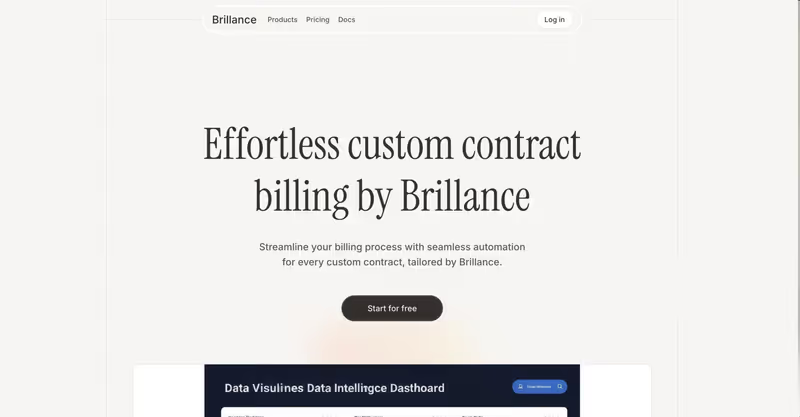
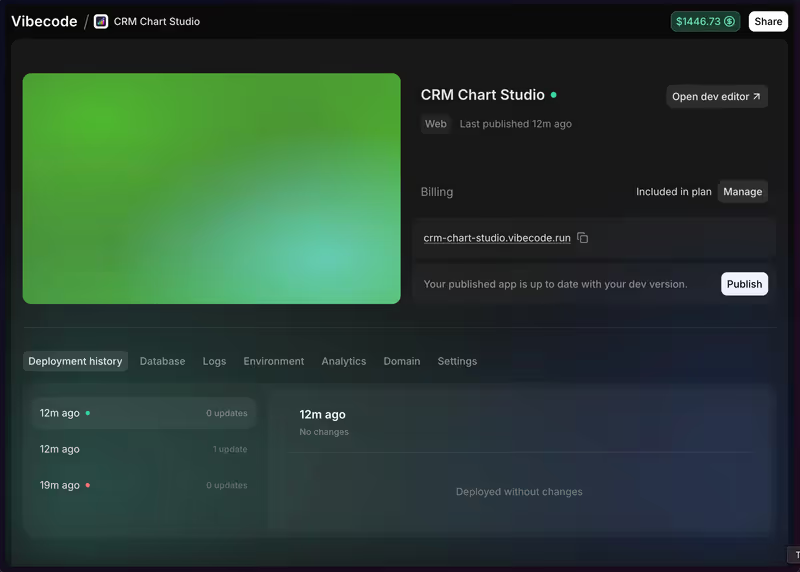
v0 vs VibeCode, on screen

v0.dev
v0 homepage
www.vibecodeapp.com
VibeCode homepage

The useful way to compare v0 and VibeCode is on one concrete job: building a small business web app with logins, per-user records, and enough structure to survive daily use. That job matters because these tools diverge at the architectural level. v0 is fundamentally a frontend generator, while VibeCode is oriented around shipping mobile-native apps with a built-in cloud backend.

That makes this job a good stress test for the failure modes that actually hurt. A business web app is where pretty UI stops being enough, and where auth, data isolation, responsive desktop layouts, and the cost of repeated fixes start to dominate the outcome.


The audience

Who each one is for

v0

  • Frontend developers who want polished React UI fast, then wire backend logic themselves
  • Product teams prototyping stakeholder-ready web interfaces before committing engineering time
  • Full-stack builders who prefer owning auth, database, and deployment choices directly
  • Next.js users comfortable exporting code and finishing the application locally

VibeCode

  • Mobile-first builders who want prompts turned into native app flows quickly
  • Non-technical creators testing simple utility apps for iOS and Android stores
  • Designers validating phone-first interactions on real devices before deeper investment
  • Small operators who need a lightweight mobile tool with a basic hosted backend

v0 assumes someone technical will finish the real application. VibeCode assumes the app itself should stay closer to a managed mobile product.

The scope

What you'd build with it

v0

  • Responsive marketing sites and dashboard frontends with strong visual polish
  • Admin panels and internal UI shells that will later connect to your own API
  • Design-heavy React components built with Tailwind and shadcn/ui patterns
  • Not a true all-in-one business app builder, because backend logic is still your job

VibeCode

  • Native mobile utility apps such as trackers, checklists, or field data tools
  • Simple consumer or operator apps that benefit from phone-first usage patterns
  • Mobile workflows paired with a hosted backend and basic authentication flows
  • Not the right fit for desktop-centric business software with wide table-heavy interfaces

The plumbing question

v0 handles this job from the presentation layer downward. It is strongest when generating React and Next.js-style interfaces, typically styled with Tailwind CSS and shadcn/ui conventions, and it can sync output to GitHub or be copied into a local repo. What it does not natively supply is the security-critical plumbing a business app depends on: actual auth enforcement, database ownership, server-side validation, or record-level access rules. So the hinge question is not whether v0 can draw the login screen; it can. The question is whether the builder can correctly implement everything behind that screen after export.

VibeCode approaches the hinge question from the opposite direction by pairing generation with a managed cloud backend and authentication setup, but inside a mobile-native product shape. That helps when the app really is a phone workflow, because the backend exists and the app can be run as a native client. The trade-off is that the same architecture becomes awkward for a desktop-first business web app: wide data tables, role-heavy navigation, and multi-pane admin screens are fighting mobile-native containers and a narrower layout model from the start.

Strengths

Where each one is strong

Edge: v0

For this matchup, v0 has the cleaner strength profile because frontend quality and portability are unusually important.

v0

  • High-quality UI output with polished React patterns, strong Tailwind styling, and shadcn/ui conventions
  • GitHub sync and export-friendly workflow make it easier to continue work in a normal repo
  • Useful for turning screenshots, rough ideas, or prompts into credible web interfaces fast
  • Leaves you free to choose your own backend, hosting, and security architecture

VibeCode

  • Functional mobile app generation aimed at shipping native iOS and Android experiences
  • Built-in hosted backend reduces setup friction for auth and data storage
  • Transparent token-based billing model is easier to reason about than opaque packaging
  • Higher tiers support code access workflows that help technical users continue outside the browser

Failure modes

Where each one breaks

Edge: VibeCode

For this specific job, v0's missing backend is the more damaging failure because it pushes security-critical work onto the builder immediately.

v0

  • No native backend layer means auth, database security, and per-user access must be built manually
  • Long prompt chains can regress earlier code and turn simple edits into debugging sessions
  • Generated web app shells may look complete while still lacking the hard parts that make them safe
  • Fix-heavy iteration can become expensive because the tool keeps charging while you chase implementation gaps

VibeCode

  • Desktop web UX is the weak spot because mobile-first layouts do not naturally suit admin-heavy screens
  • Larger business logic and deeper relational models can push the system past its comfortable complexity range
  • Context loss in bigger projects can produce broken imports, incorrect rewrites, or uneven code changes
  • Some ownership and export paths depend on higher plans, which matters once you need to exit the hosted loop

Iteration cost

The fix loop, priced

Even

Both tools make iteration itself a billable event, so the pain comes from how many repair cycles the app needs.

v0

  • Free usage starts with a small monthly credit pool, and paid plans add more prompt budget rather than unlimited building
  • Heavy generations and repeated redesigns can burn credits quickly, especially on large UI passes
  • The worst case is paying to debug code that still requires manual backend implementation afterward
  • Credits are allowance-shaped rather than open-ended engineering time, so the cap matters

VibeCode

  • Entry plans also come with limited included credits, then scale upward with paid usage
  • Billing tracks underlying model consumption closely, which makes usage more legible but not cheaper in a long fix loop
  • The worst case is repeated full-file rewrites while trying to stabilize a more complex app
  • Higher plans improve your escape hatch by giving better code access outside the browser loop

Both products are cheap when the first output lands cleanly and less cheap when you are paying the model to repair its own mistakes; that is the real bill.

Exit paths

The code you end up with

Edge: v0

v0 leaves you in better shape if you care about standard web code ownership and continuing in a normal development workflow.

v0

  • Exports standard React-oriented frontend code that can live in an ordinary local repository
  • GitHub-friendly workflow makes handoff to engineers relatively straightforward
  • There is little platform lock-in at the UI layer once code is out
  • The portability caveat is that you still need to build or supply the missing backend yourself

VibeCode

  • Produces app code oriented around a mobile-native stack rather than a desktop-first web stack
  • Code access exists, but some of the smoother ownership paths depend on paid tiers
  • Hosted backend convenience also creates more dependency on the platform during early development
  • Moving the result into a different product shape, especially desktop web, is not a clean lift-and-shift

When neither wins

For a small business web app, neither tool really wins the maintenance argument. Both contenders leave the reader maintaining generated security-critical code: with v0, that burden arrives immediately because auth and per-user data rules are yours to implement; with VibeCode, the backend convenience does not remove the fact that you are still depending on generated application logic while forcing a desktop business job into a mobile-first frame.

If the real need is an internal tool, client portal, or operations app, Softr is the tool with no fix loop: auth, user groups, and record-level permissions live as platform configuration, not generated code. That is the honest reason to consider it here. The boundary is just as important: Softr is the wrong fit if you need a highly custom consumer UI or if owning the application codebase is the point.

Verdict

v0 wins if the person building this app is already technical and mainly needs polished frontend output fast. The strongest reason is simple: for a web app, clean React UI that can move into a standard repo is more valuable than a mobile-native stack that starts from the wrong screen shape.

VibeCode is the better pick when the brief is actually a simple mobile product instead of a desktop-first business web app. If phone workflows, app-store distribution, and a managed backend matter more than web portability, its trade-offs make more sense.

For non-developers building a business app, the real standardization call is to stop asking generated code to carry security and permissions at all and look at Softr instead. If you do want code ownership, standardize on a conventional web stack and treat AI output as assistance, not the platform.

Q & A

Frequently Asked Questions

Is v0 better than VibeCode for small business web apps?

Usually yes, but only if a developer is finishing the backend. v0 is better aligned with web UI output and normal code ownership, while VibeCode is better aligned with mobile-native apps. For a non-technical team that needs secure user permissions, neither is the safest route.

Which costs more to iterate with, v0 or VibeCode?

The practical answer is that both can get expensive when the build turns into a repair loop. Each regeneration consumes paid model usage, so the total depends less on list price and more on how often the tool breaks, rewrites, or loses context.

Can I export my code from v0 and VibeCode?

Yes, but the ownership experience is not identical. v0 is more naturally export-friendly for standard web frontend work, while VibeCode's code access is tied more closely to its hosted environment and plan level. Exporting also does not remove the architectural mismatch if the app was generated for mobile but needed to become a desktop web product.

Which has more lock-in, v0 or VibeCode?

VibeCode has more practical lock-in for this job because the hosted backend and mobile-first shape are harder to separate from the project. v0's output is easier to continue in a normal repo, although you still have to supply the missing backend pieces yourself.

What should a non-technical team use instead for an internal app?

A no-code business app platform such as Softr is the safer answer. It handles authentication, user groups, and record-level permissions as platform settings instead of generated code, which reduces the security and maintenance burden dramatically.

