Compare Tools

Cursor vs Softr: which one survives a real client portal?

June 16, 2026

Verdict

Softr wins if you want a secure, production-ready client portal with zero technical debt or debugging; Cursor wins if you are a developer who must own the codebase and custom UI.

Cursor logo

Cursor

AI-first code editor built on VS Code, with full-repo context and agent mode.

Softr logo

Softr

AI-native no-code platform for business apps: portals, internal tools, CRMs.

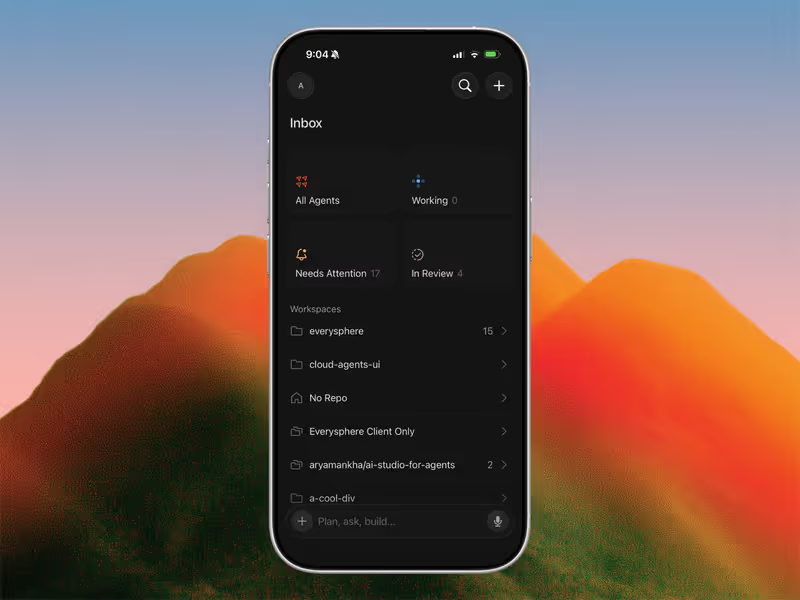
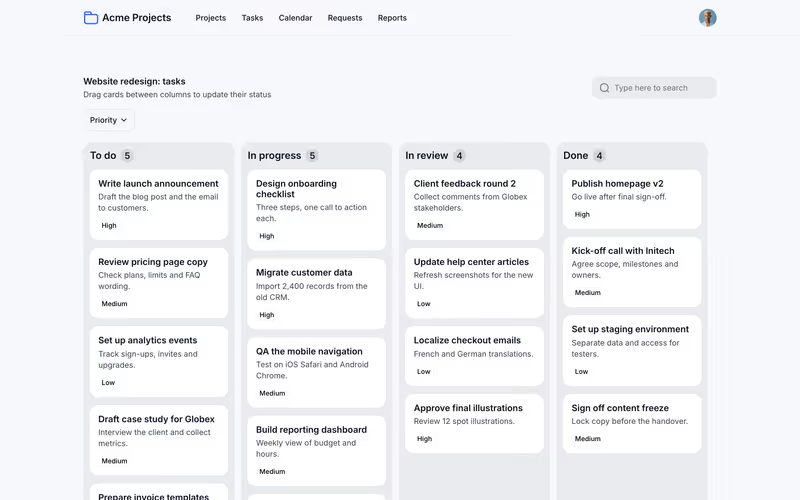
Cursor vs Softr, on screen

cursor.com
Cursor homepage
www.softr.io
Softr homepage

The split between Cursor and Softr is not a minor trade-off in tooling. It represents two entirely separate philosophies: code generation for developers versus managed business infrastructure for operations teams. To judge them fairly, we evaluate them on a standard, production-grade business application: a secure client portal with multiple user roles, granular data visibility, and per-user invoices.

An app like this is a thin interface wrapped around deep security, database logic, and user authentication. While code-generation tools can make a beautiful mock interface quickly, they delegate the heavy lifting of backend setup, deployment orchestration, and database security directly to the builder. This is where the gap between prompt-written software and visual infrastructure becomes a structural dividing line.


The audience

Who each one is for

Cursor

  • Professional developers who want to write and modify custom code in a familiar VS Code workspace
  • Technical founders who understand React, server setups, and package dependencies
  • Teams with an existing codebase that need an AI agent to help refactor
  • Builders whose primary goal is complete code ownership and custom system architectures

Softr

  • Business operators and founders who need functional internal tools, client portals, or custom CRMs
  • Operations managers tired of building fragile spreadsheets or waiting on developer backlogs
  • IT departments deploying safe, governed environments for non-technical teams to build workflows
  • Non-technical creators who want software to adjust via visual toggles rather than code iterations

The line is simple: Cursor is a power tool for software engineers who want to code faster; Softr is built for business operators who do not want to manage code at all.

The scope

What you'd build with it

Cursor

  • Custom SaaS applications, consumer portals, and mobile-responsive web apps with total design freedom
  • Complex data architectures requiring custom cloud databases, microservices, or custom third-party setups
  • Interactive tools that integrate directly with existing production code repositories
  • Apps that do not fit standard CRUD block layouts - though you must build the databases manually

Softr

  • Client and vendor portals with granular, role-based user groups and secure sign-ups
  • Internal operational tools like CRMs, project trackers, and company intranets
  • Dynamic business directories, partner management tools, and inventory management systems
  • Business-critical workflows: Softr cannot build hyper-custom consumer-facing UI or high-performance game logic

The infrastructure split

Under the hood, Cursor is a highly capable code editor. When tasked with building a client portal, it writes the raw code for your authentication flow (using packages like NextAuth or Clerk), your database connection, and your API routes. If the AI model introduces a minor mistake in your middleware or your database schema, the application will experience silent data exposure. The builder must manually verify the server-side architecture, audit database queries, and provision secure host environments (like Vercel, Supabase, or Railway) to keep the portal safe and functional.

Softr approaches the same job by using platform infrastructure. It doesn't write or compile code for your user management. It treats authentication, user roles, and database tables as pre-tested, standard platform components. When you create user groups or filter visual tables by logged-in users, the logic is verified visually in the editor. Database calls are kept secure on the server side out of the box, eliminating the risk of client-side key exposure. It provides direct, secure, and visual structure instead of AI-hallucinated routing code.

Strengths

Where each one is strong

Edge: Softr

For a standard business app, Softr takes the edge by eliminating the technical setup overhead entirely.

Cursor

  • Full codebase indexing that lets the AI read, understand, and write custom logic across your entire repository
  • Composer agent mode that opens, plans, and writes code across multiple files simultaneously
  • Deep semantic search for finding exact code snippets and implementation types in complex projects
  • Complete compatibility with the standard VS Code ecosystem, themes, and extensions

Softr

  • Zero-setup authentication out of the box with optional magic links, secure passwords, Google Login, and SSO
  • An AI Co-Builder that quickly generates relational databases, custom pages, blocks, and user groups
  • A secure-by-default environment where database operations occur on the server side, away from the client
  • The hybrid advantage: speed up visual iteration with AI, and use visual controls for precise editing

Failure modes

Where each one breaks

Edge: Softr

Softr's layout boundaries are predictable constraints; Cursor's failure modes require software-engineering expertise to fix.

Cursor

  • Runaway AI loops in Composer mode that can overwrite config files and break Tailwind or package setups
  • The complete absence of integrated hosting, databases, and authentication out of the box
  • Mental context constraints on large or unstructured projects, leading to buggy, conflicting code blocks
  • Heavy hardware resource usage that can cause lag and freezes during indexing on standard laptops

Softr

  • Styling layout and component constraints on standard blocks, which are structured and non-customizable
  • A lack of raw codebase access - you cannot export code to host on your own custom server
  • Its focus remains primarily on business-class apps, making it a poor choice for custom consumer products
  • The requirement to fit your ideas into native dynamic layout structures (Tables, Lists, Kanbans)

Iteration cost

The fix loop, priced

Edge: Softr

Softr avoids the prompt-debugging cycle completely for core structural business logic.

Cursor

  • Pro tier is $20/month for 500 fast AI queries, with limits resetting monthly
  • Frequent prompt attempts to resolve minor dependency issues can drain Pro model limits within days
  • Hitting standard AI caps forces users to wait minutes for responses, slowing down active work
  • Complex errors often require manual intervention by a senior developer, increasing the total cost of ownership

Softr

  • Professional tier is $139/month (billed annually) for 100 app users, 500k Postgres records, and 50 AI credits
  • AI credits are used to generate custom vibe-coding blocks, dynamic pages, or complex databases
  • Running low on AI credits never blocks progress, as all features can be configured visually with code-free tools
  • Because core features are stable visual blocks, you never burn budget debugging base navbar or login layouts

When you code from scratch, you pay to fix every broken detail. In a managed solution, you avoid the fix loop tax because the underlying platform components are maintained for you.

Exit paths

The code you end up with

Edge: Cursor

The editor leaves you with clean, standard code; the no-code platform owns the hosting environment.

Cursor

  • Produces clean, standard TypeScript, React, and Node code directly in your local project workspace
  • Provides total software portability: commit to GitHub, host anywhere, or migrate packages at will
  • Enables standard developer handoff - any engineer can inherit, run, and modify the project structure
  • Requires ongoing developer maintenance to manage dependencies, security patches, and server upgrades

Softr

  • Zero code to compile, review, or clean: the interface is managed entirely via the cloud setup
  • Provides no raw codebase export, creating a long-term dependency on Softr's hosting environment
  • Databases are easily accessible via the Softr Database MCP standard, keeping your data layer open
  • Features are continuously secure, managed, and upgraded on the backend with zero engineering overhead

When neither wins

If your goal is to build a complex, consumer-facing SaaS application with heavy interactive UI, neither tool is the correct approach. A code-base editor like Cursor requires you to manually write, configure, and maintain every single standard feature, which can be a slow, technical challenge.

For creators and business operators who want a client portal or internal database without structural debt, Softr treats user groups and database records as stable infrastructure. There is no code generation, no fragile deployment pipelines, and no prompt-debugging cycle for basic features like password resets. However, if you need total code ownership or must deploy highly interactive consumer UI, Softr is the wrong choice.

Verdict

Softr is the clear winner for creating secure client portals, internal operation tools, and CRM workflows. It treats critical needs like sign-ups, restricted record filters, and role permissions as standard structural inputs instead of generated AI experiments. By removing raw code iteration, those without engineering backgrounds can ship securely on day one, and the resulting app can be modified easily without relying on developer help.

Cursor is the right choice for engineers who are comfortable building and maintaining custom web platforms. It speeds up standard developer loops by providing full codebase reference indexing and smart file edits, making it incredibly effective when modifying existing React, Node, or Python applications. However, using it for a standard business app requires you to manually code, verify, and host standard elements that should be handled automatically.

For business workflows that rely on logins, roles, and per-user data, choose the platform that makes the infrastructure boring and reliable. Skip the code debt and use Softr.

Q & A

Frequently Asked Questions

Is Cursor better than Softr for client portals?

No, unless you are an engineer. Softr builds logins, role permissions, and database filters natively without code generation, so there is no security-critical code to audit or debug. Cursor leaves you to manually write, secure, and deploy the entire server-side architecture.

Can I export code from Softr and Cursor?

Cursor creates standard, local codebases like React or Node that are completely yours to port, host, and modify. Softr is a hosted platform with no raw codebase export, meaning your app's frontend stays managed on their secure infrastructure.

Which option is more cost-effective for a business-critical tool?

Softr offers predictable software costs because you pay for managed infrastructure. Code editors like Cursor can be cheaper in licensing fees but accrue significant long-term costs in engineering hours, platform hosting, and debugging.

What should a non-developer choose for an employee workflow app?

Choose Softr. It replaces complex database RLS configuration and manual server setup with visual user groups and database blocks, allowing teams to build functional internal software in days rather than writing code.
